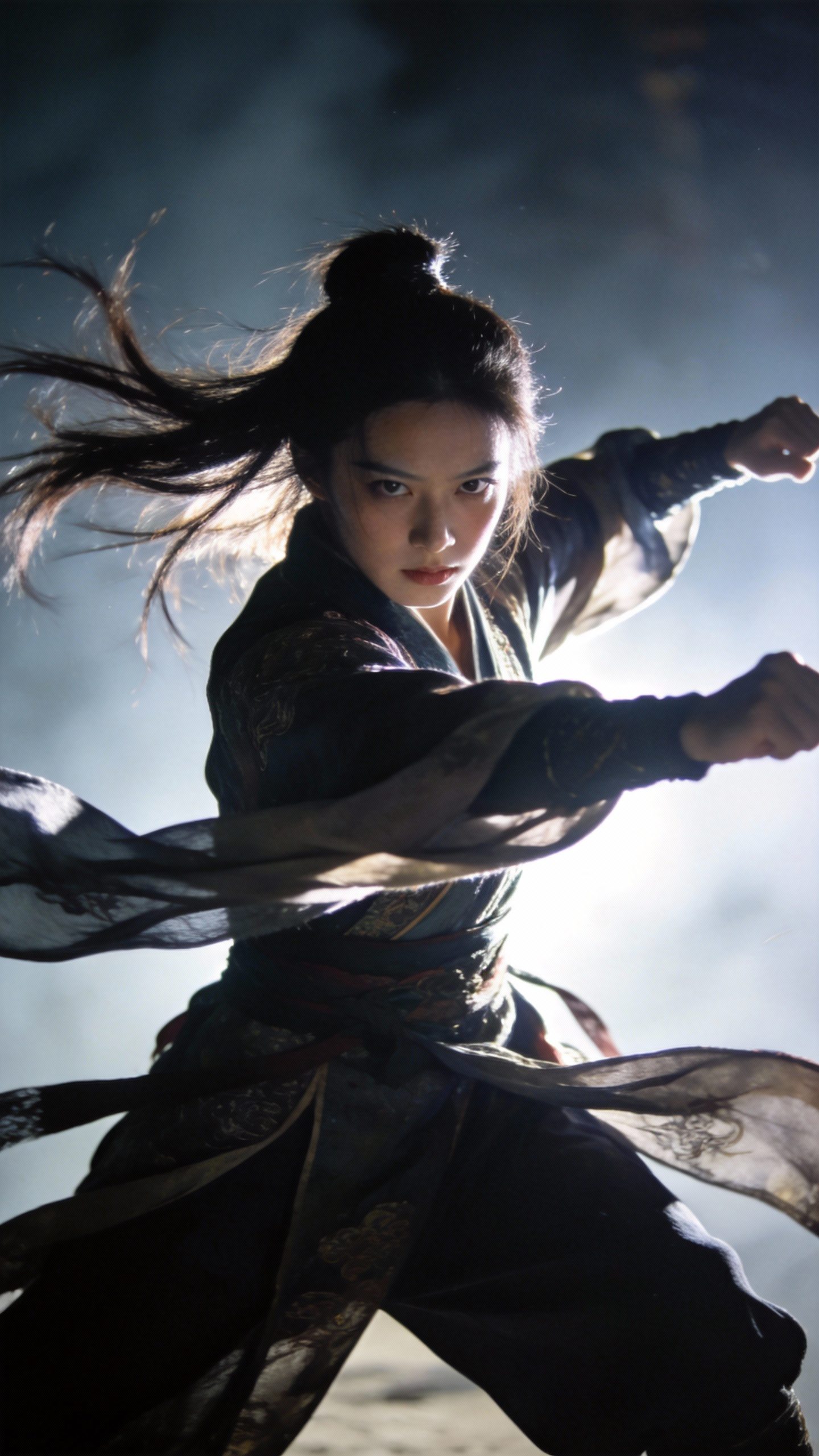
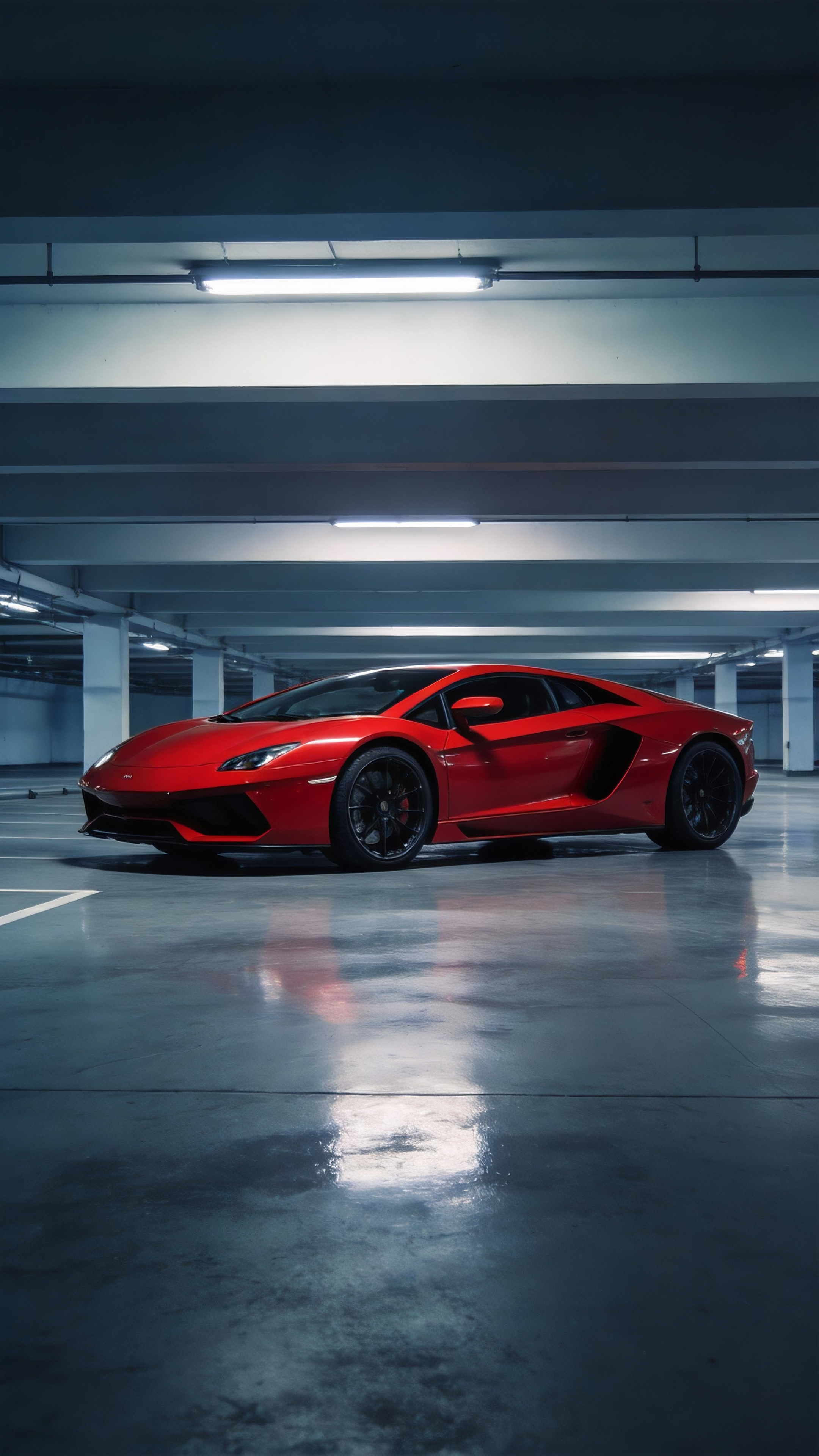
Camera Motion & Actions
High-difficulty, controllable camera motion & action replication
In the past, getting a model to mimic blocking, camera moves, or complex actions from a film either meant writing a long, detailed prompt—or simply not being able to achieve it. Now, you can do it by uploading a reference video.
Cases:
prompt | img1 | img2 | img3 | img4 | img5 | img6 | img7 | vid1 | vid2 | vid3 | Result | Notes |
|---|---|---|---|---|---|---|---|---|---|---|---|---|
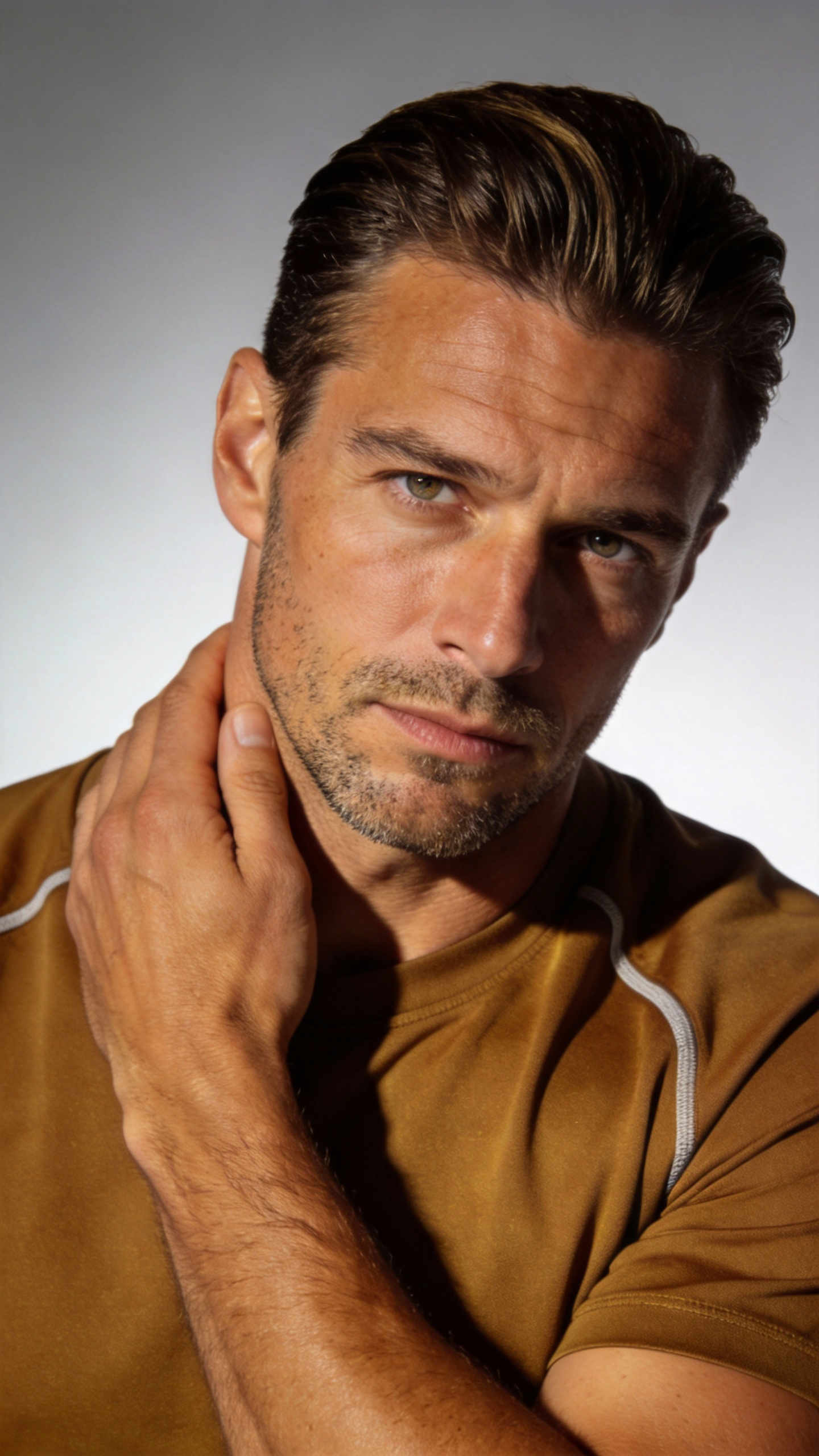
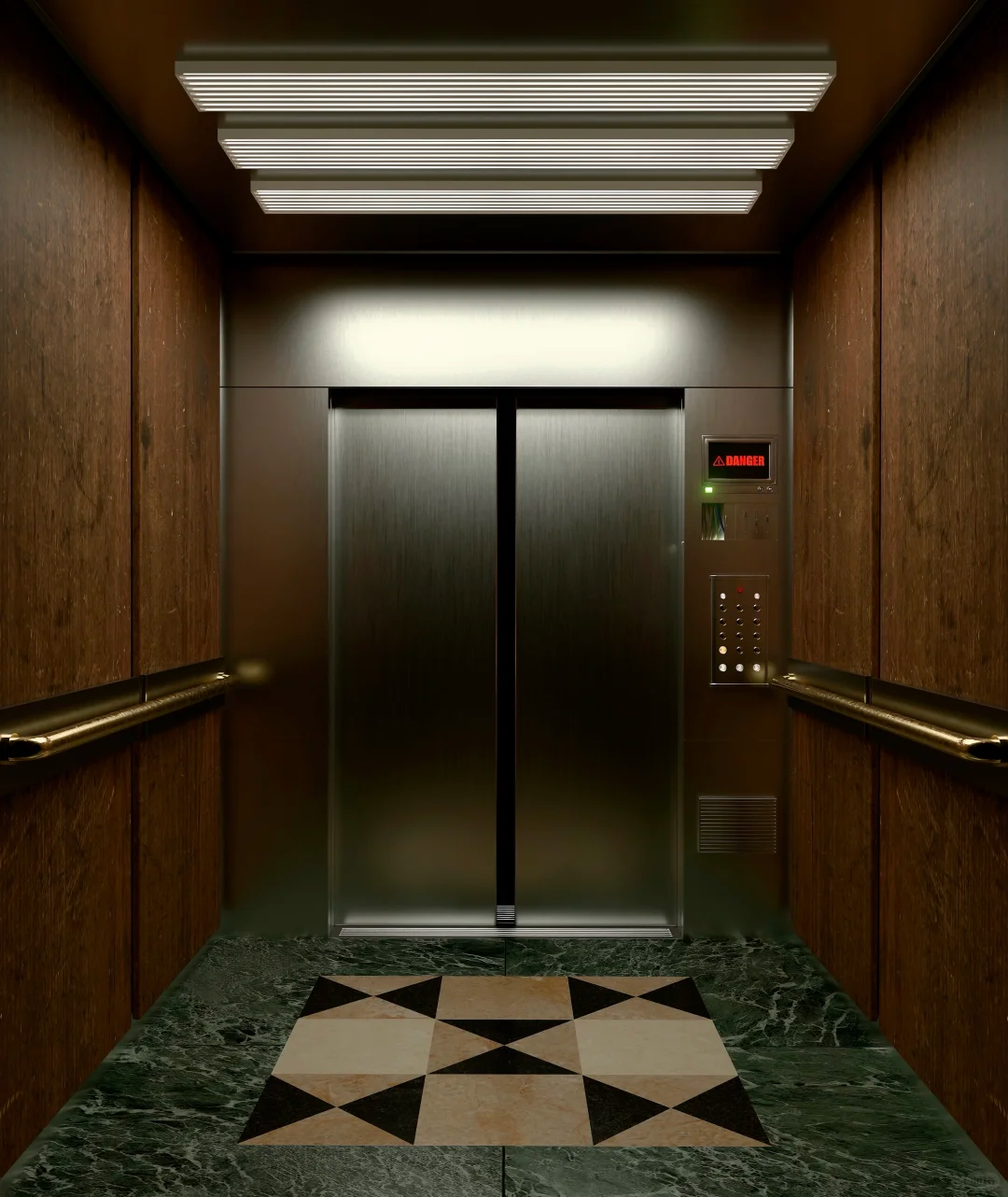
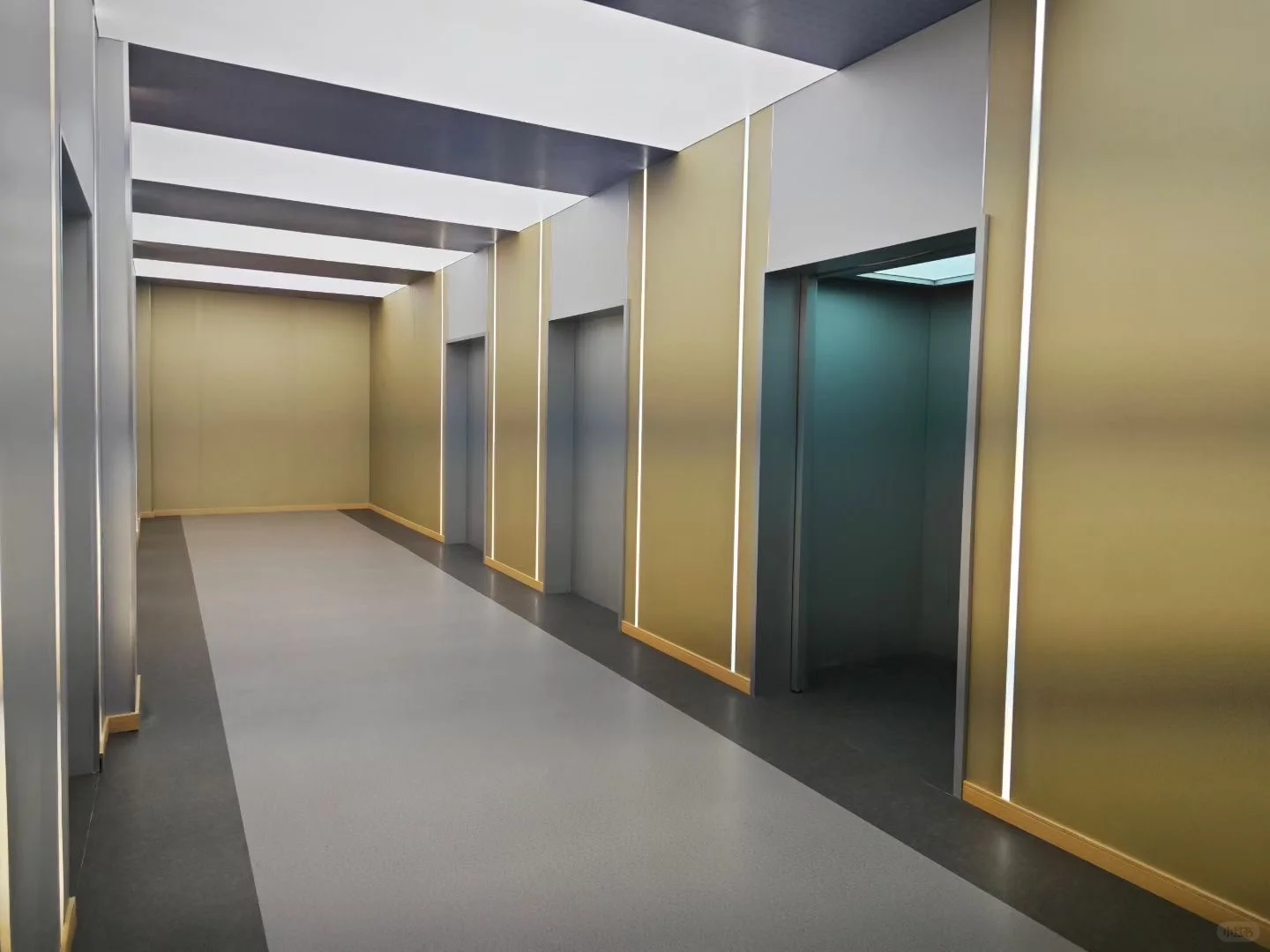
Use the man in @Image1 as the character. Place him in the elevator from @Image2. Fully reference all camera moves in @Video1 as well as the protagonist's facial expressions. When he panics, do a Hitchcock zoom. Then use several orbiting shots to show the elevator interior. As the elevator doors open, follow him walking out. Use @Image3 as the scene outside the elevator. He looks around; as in @Video1, use a robotic-arm style camera to follow his gaze from multiple angles. |
|
|
| ⚠️ Note: uploading assets containing realistic human faces is currently not supported. This case is for demonstration; actual generation may be limited. | ||||||||
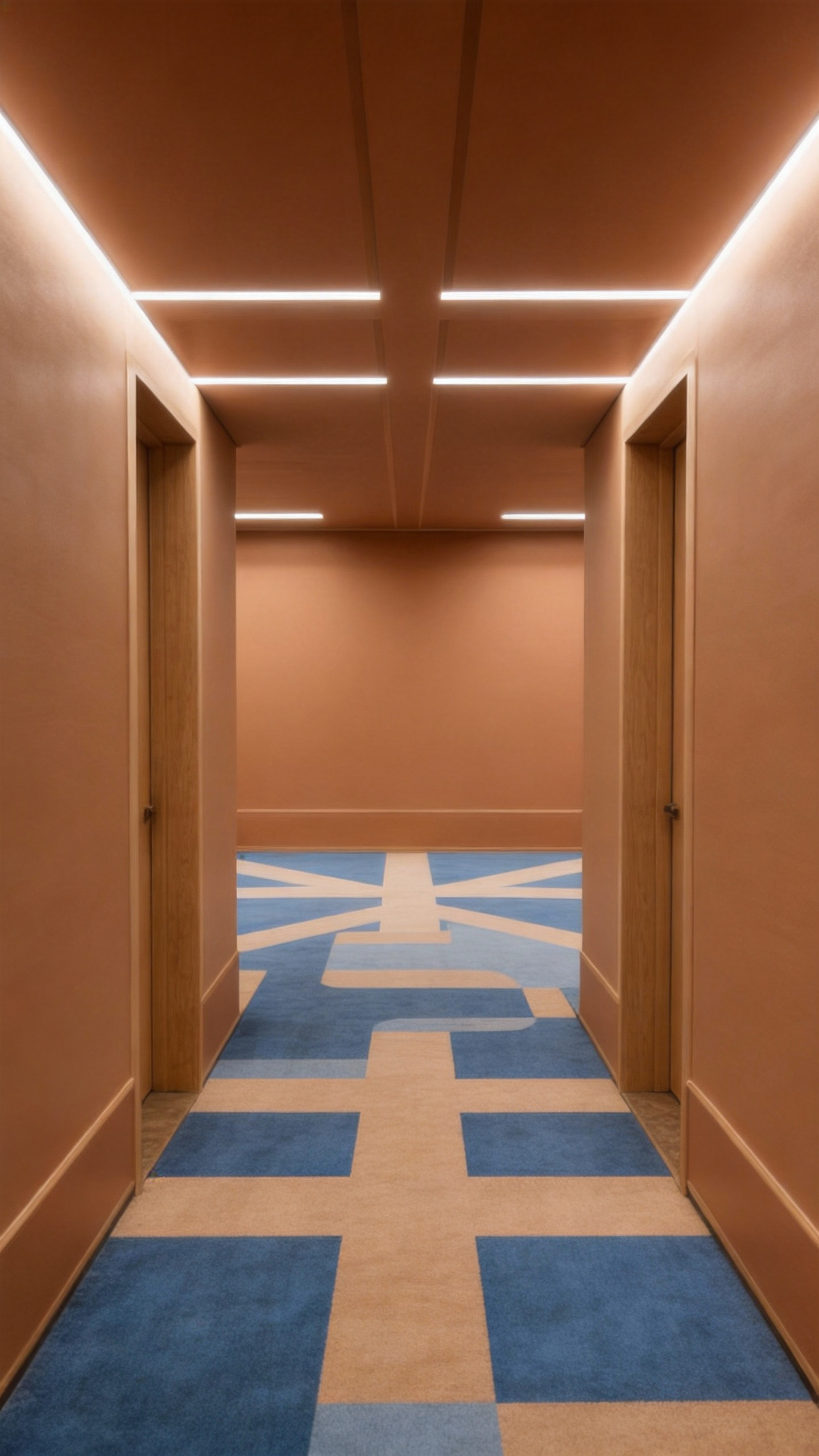
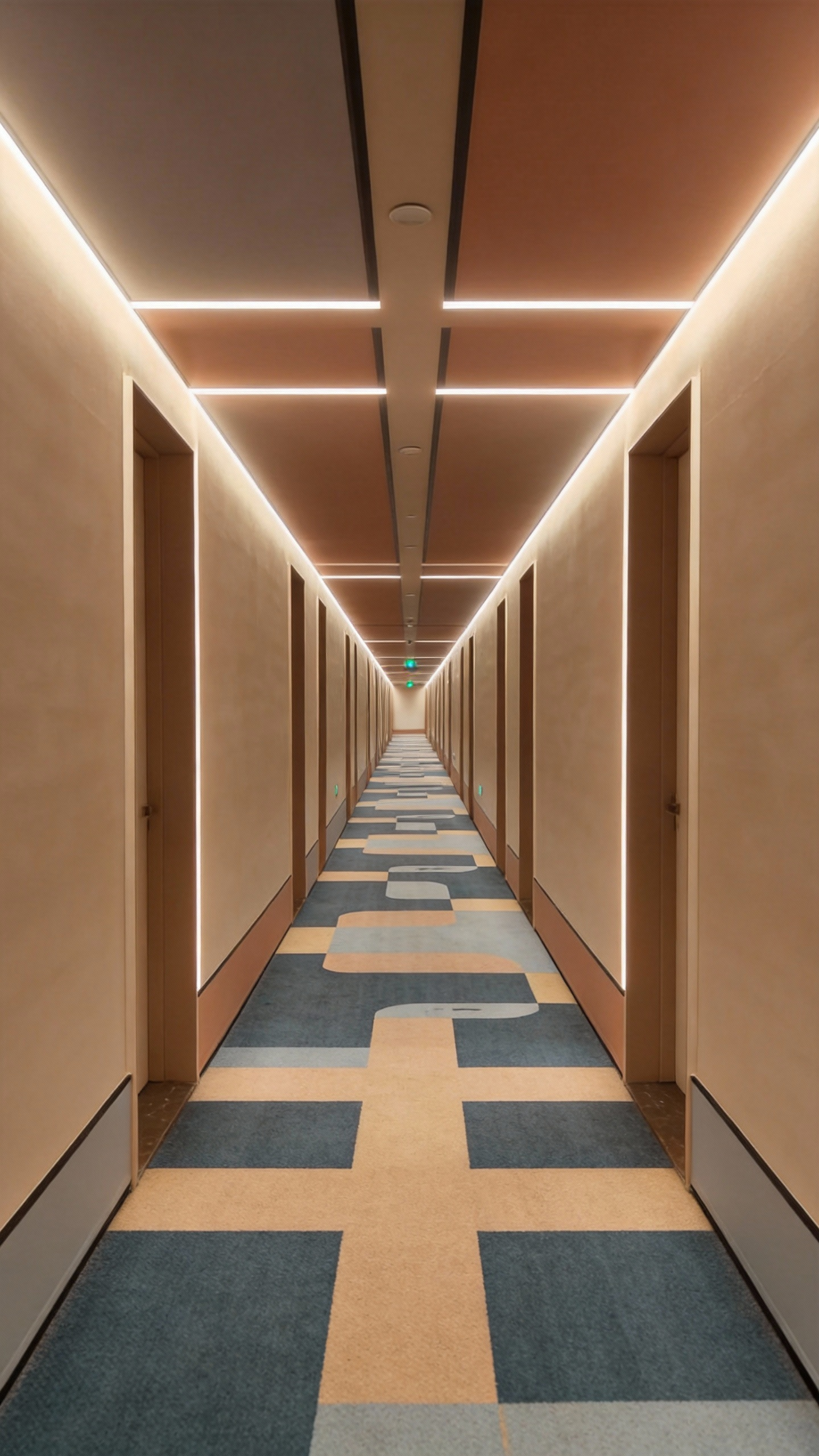
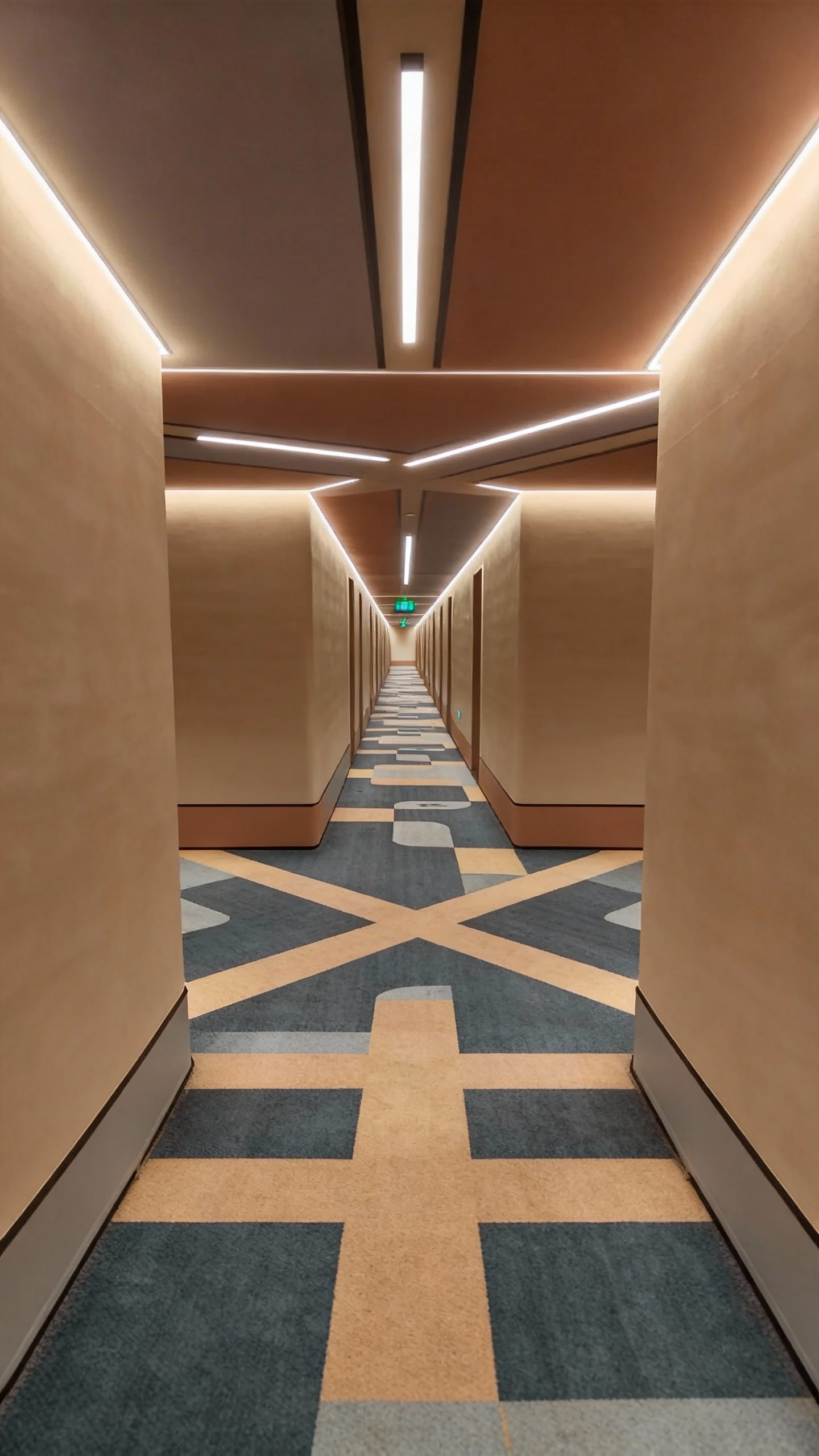
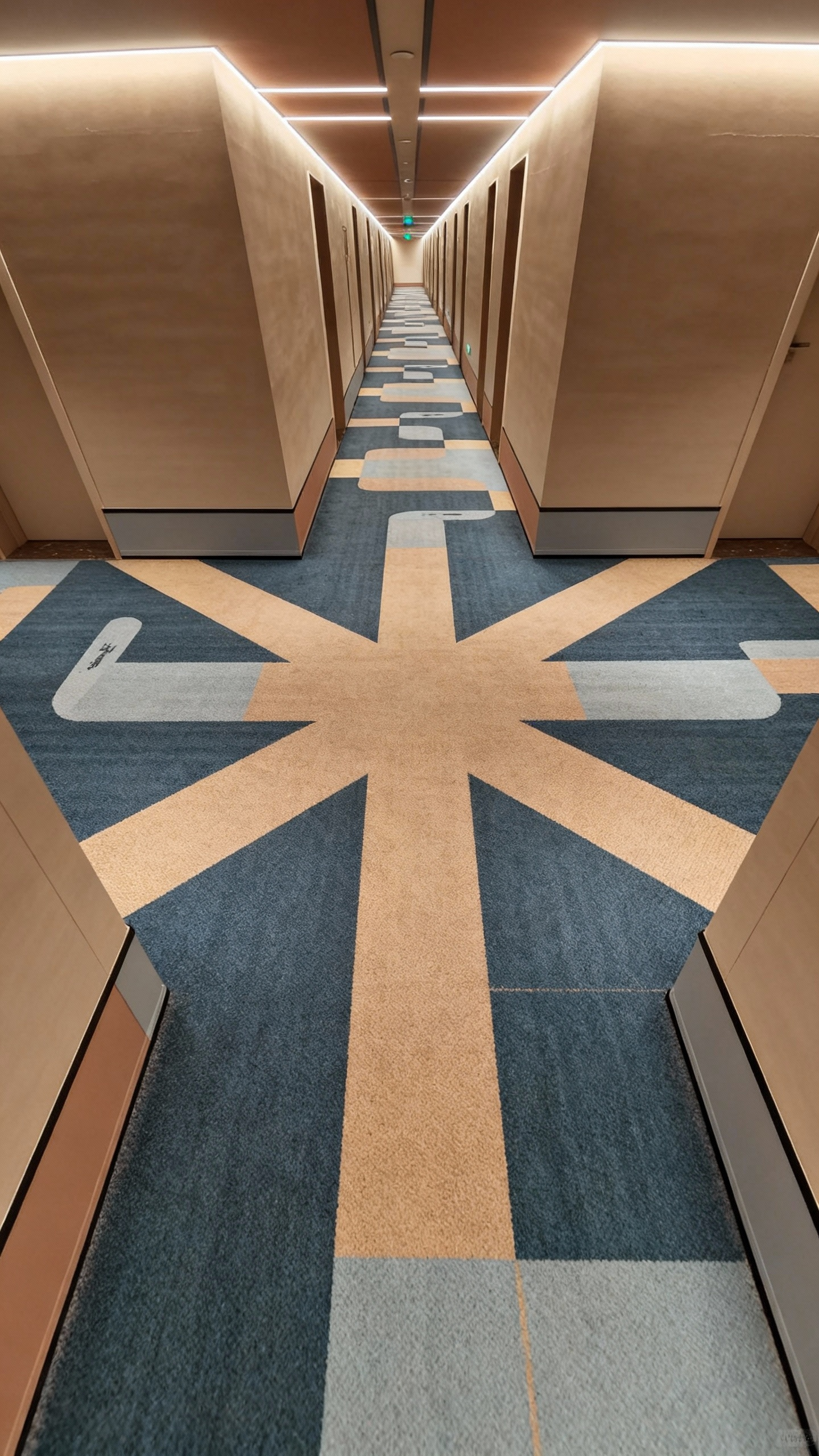
Use the man in @Image1 as the character. Place him in the corridor from @Image2. Fully reference all camera moves in @Video1 and the protagonist's facial expressions. Follow him running around a corner in @Image2. In the long hallway from @Image3, start from a rear follow shot, then wrap around to his front via a low-angle orbit. Next, pan right 90° to shoot the forked intersection from @Image4; after a sudden stop, pan right 180° and push in tight on his face: he's out of breath. Follow his POV as he scans the surroundings; reference the rapid left-right orbiting camera moves in @Video1 to showcase the scene. Then pull back to the environment in @Image5 and continue with a side-tracking shot as he runs. |
|
|
|
|
| ⚠️ Note: uploading assets containing realistic human faces is currently not supported. This case is for demonstration; actual generation may be limited. | ||||||
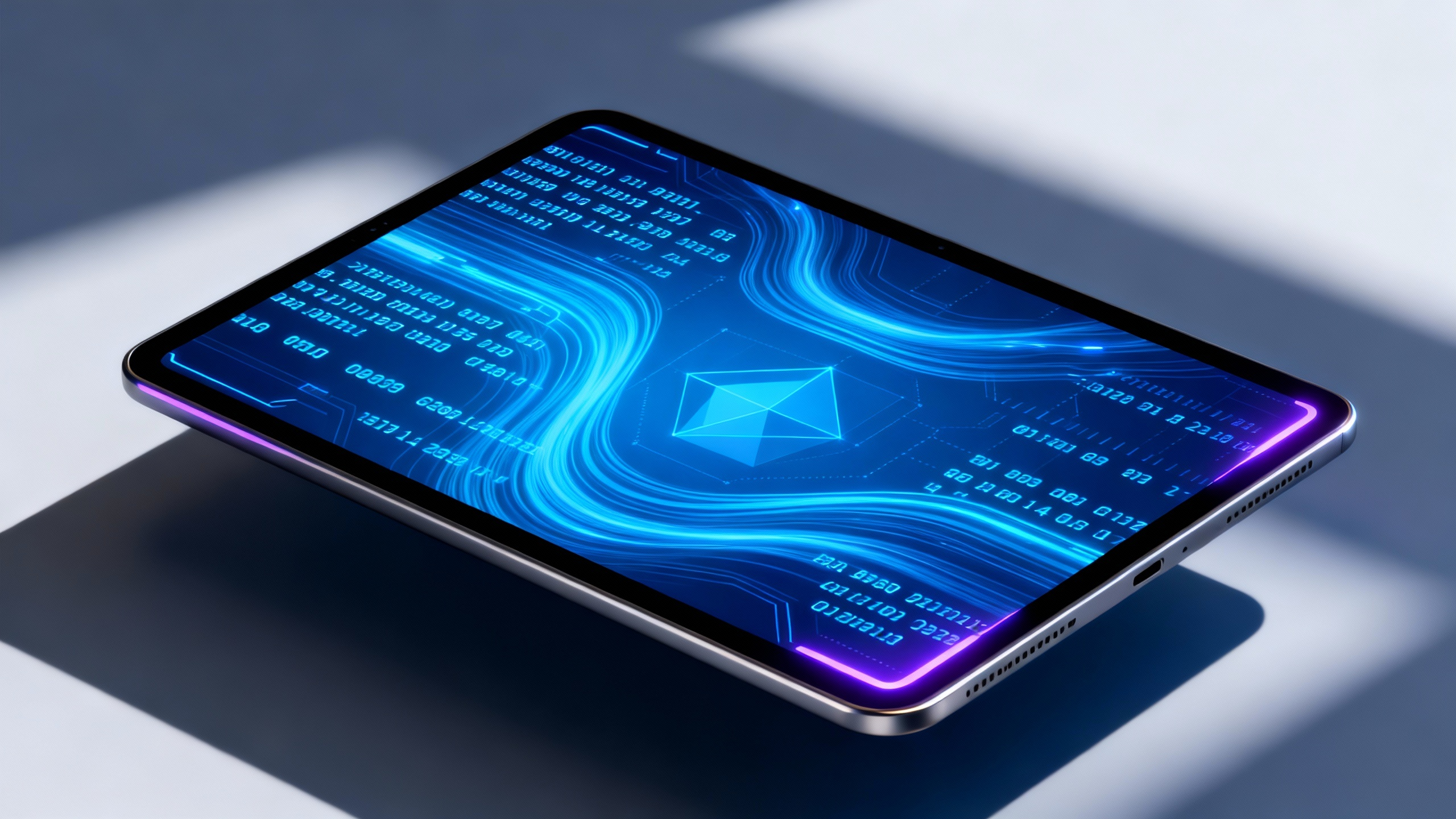
Use the tablet in @Image1 as the subject. Reference the camera work in @Video1: push in to a close-up of the screen, rotate the camera, then flip the tablet to reveal the full device. The data stream on the screen keeps changing, and the surrounding environment gradually transforms into a sci-fi data space. |
| |||||||||||
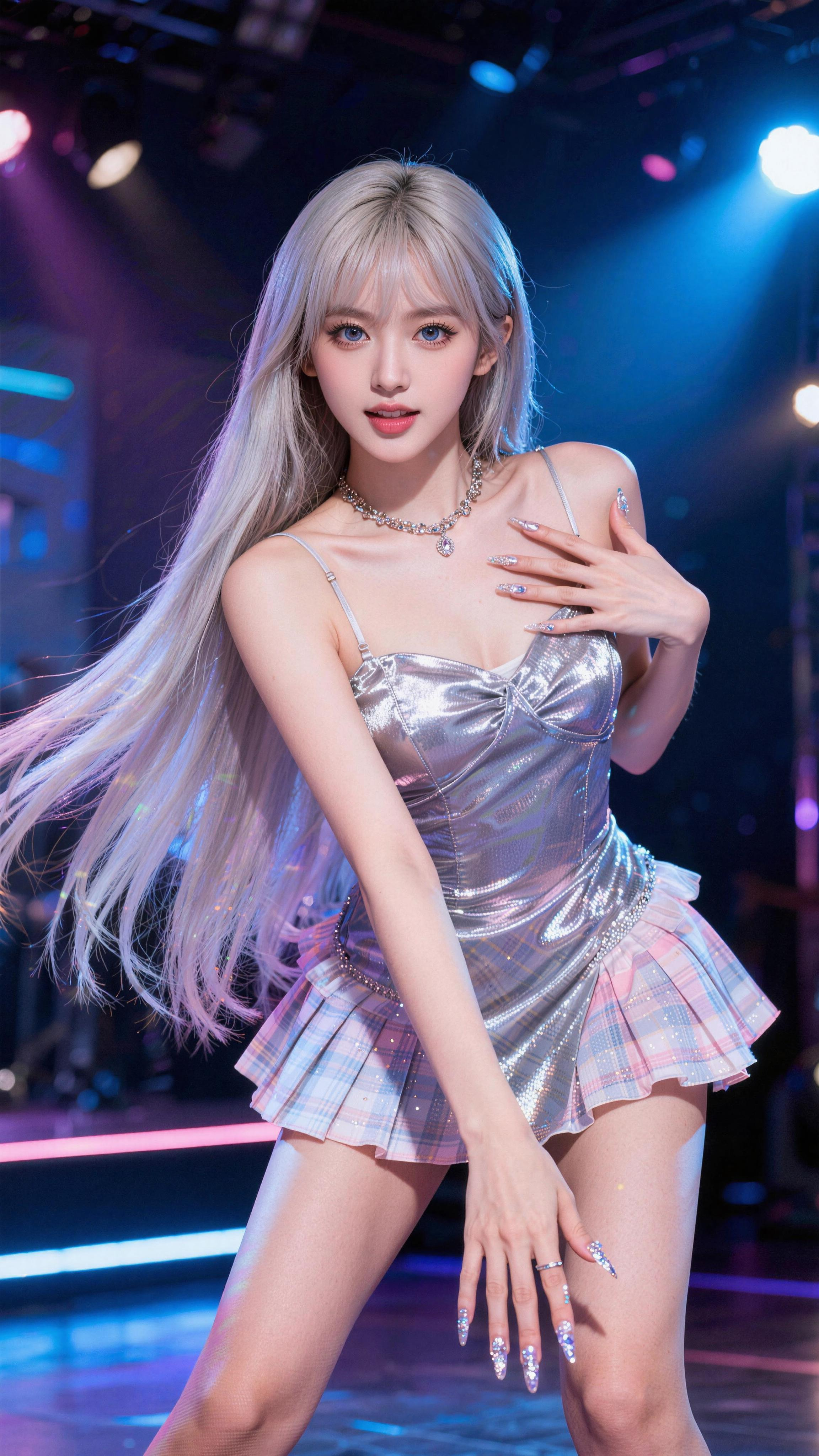
Use the celebrity in @Image1 as the subject. Reference the camera movement in @Video1 with rhythmic push-ins, pull-backs, pans, and tilts. Her actions should also reference the dancer's moves in @Video1, performing energetically on stage. |
| ⚠️ Note: uploading assets containing realistic human faces is currently not supported. This case is for demonstration; actual generation may be limited. | ||||||||||
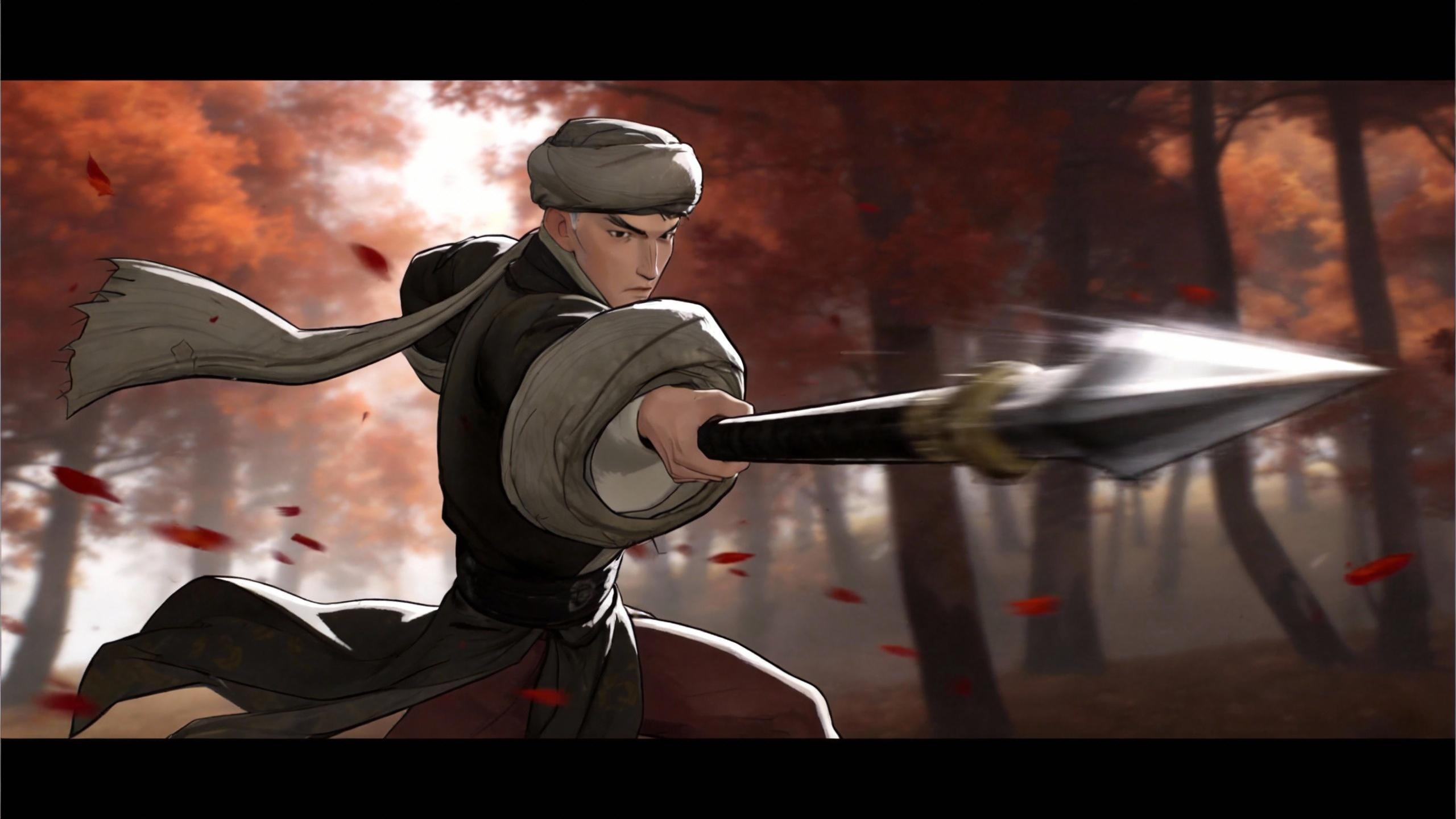
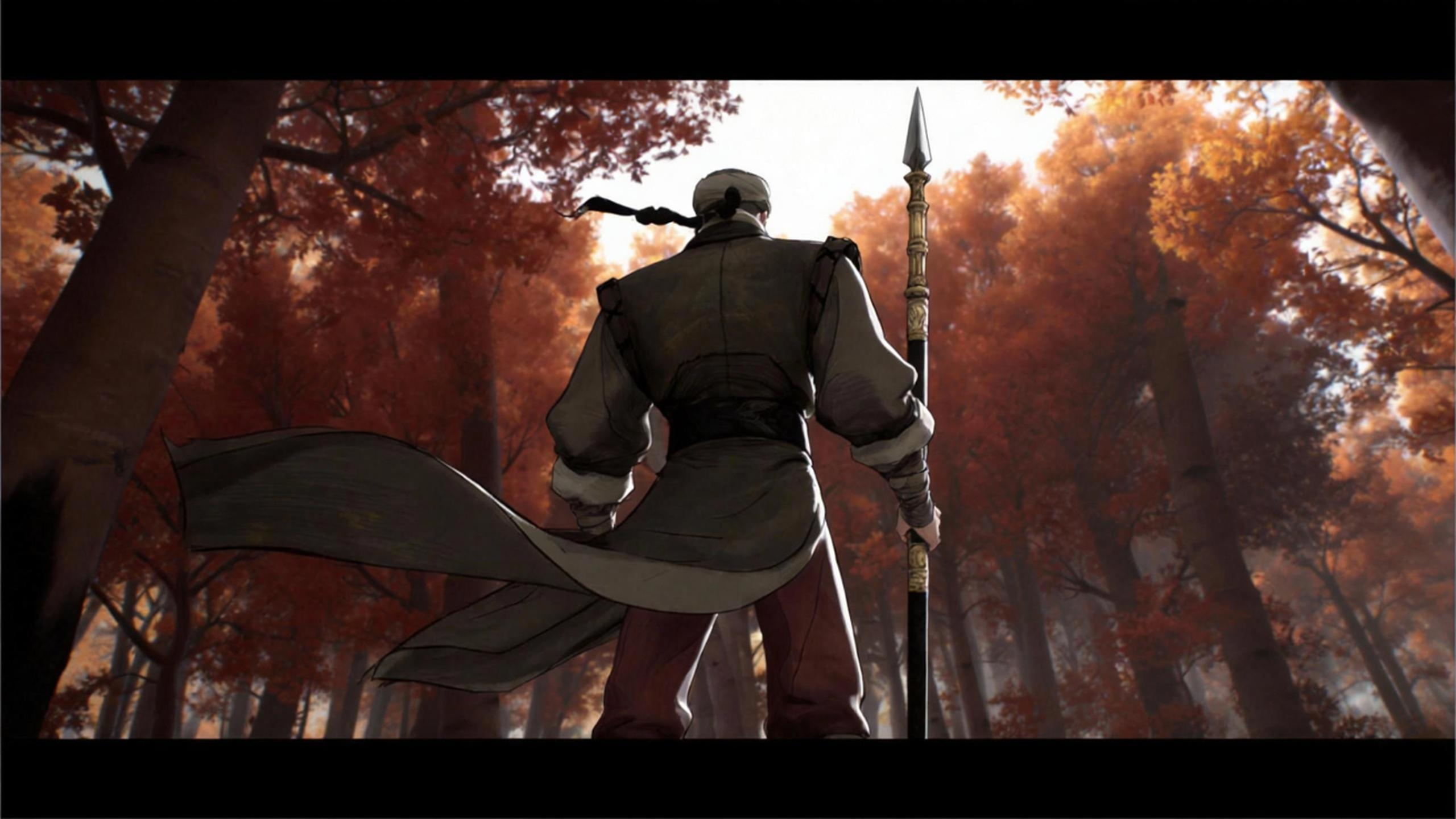
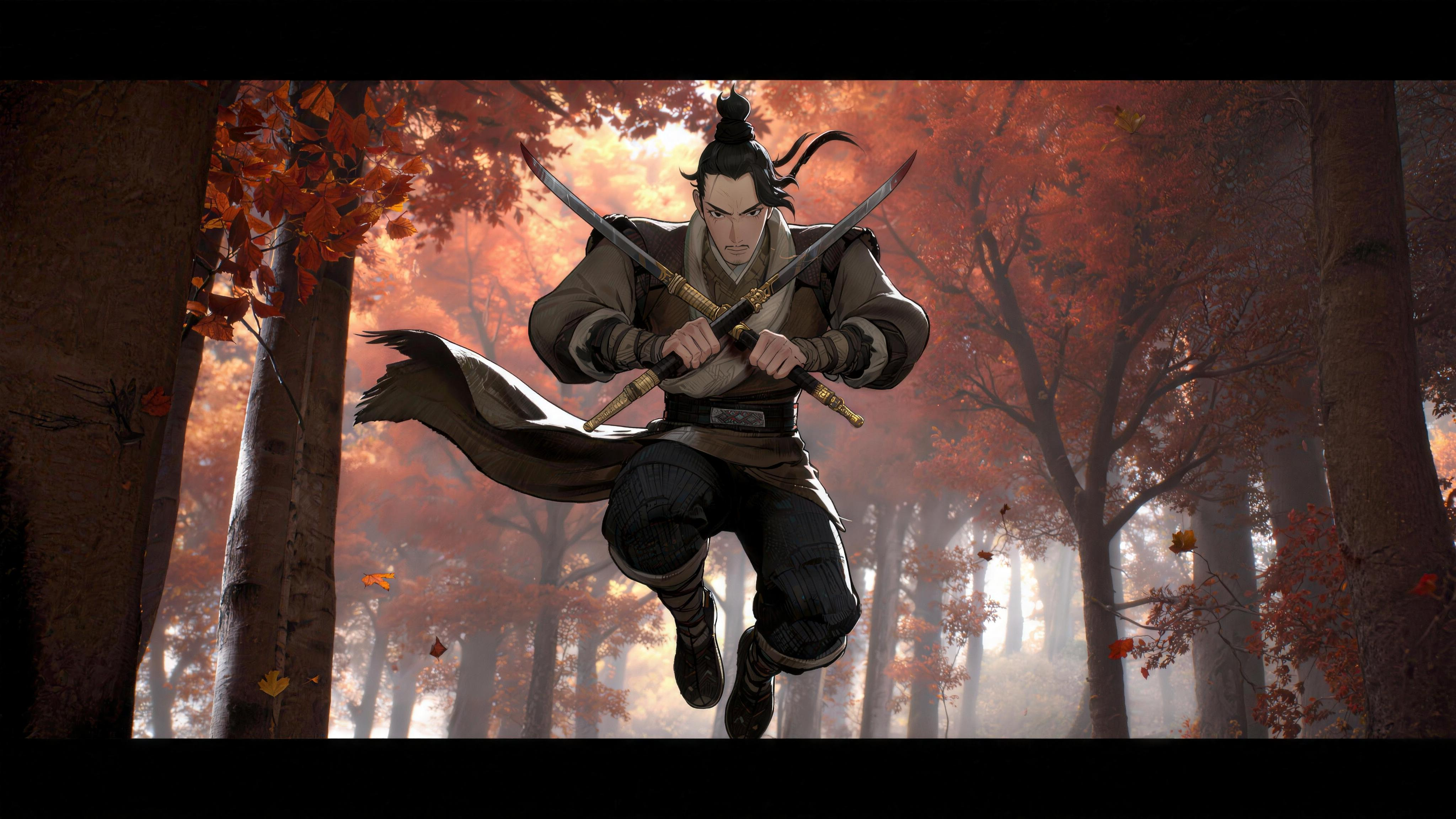
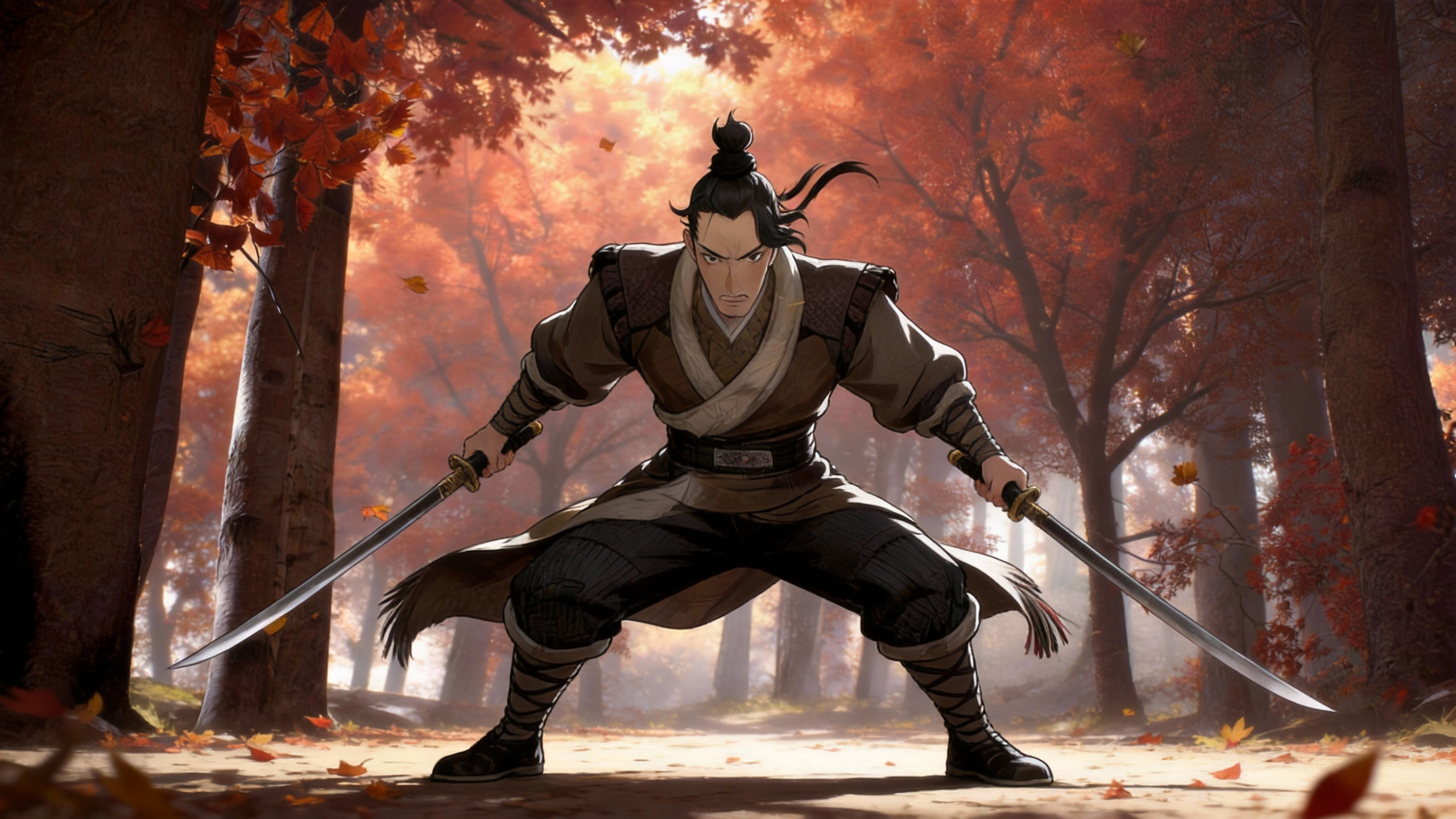
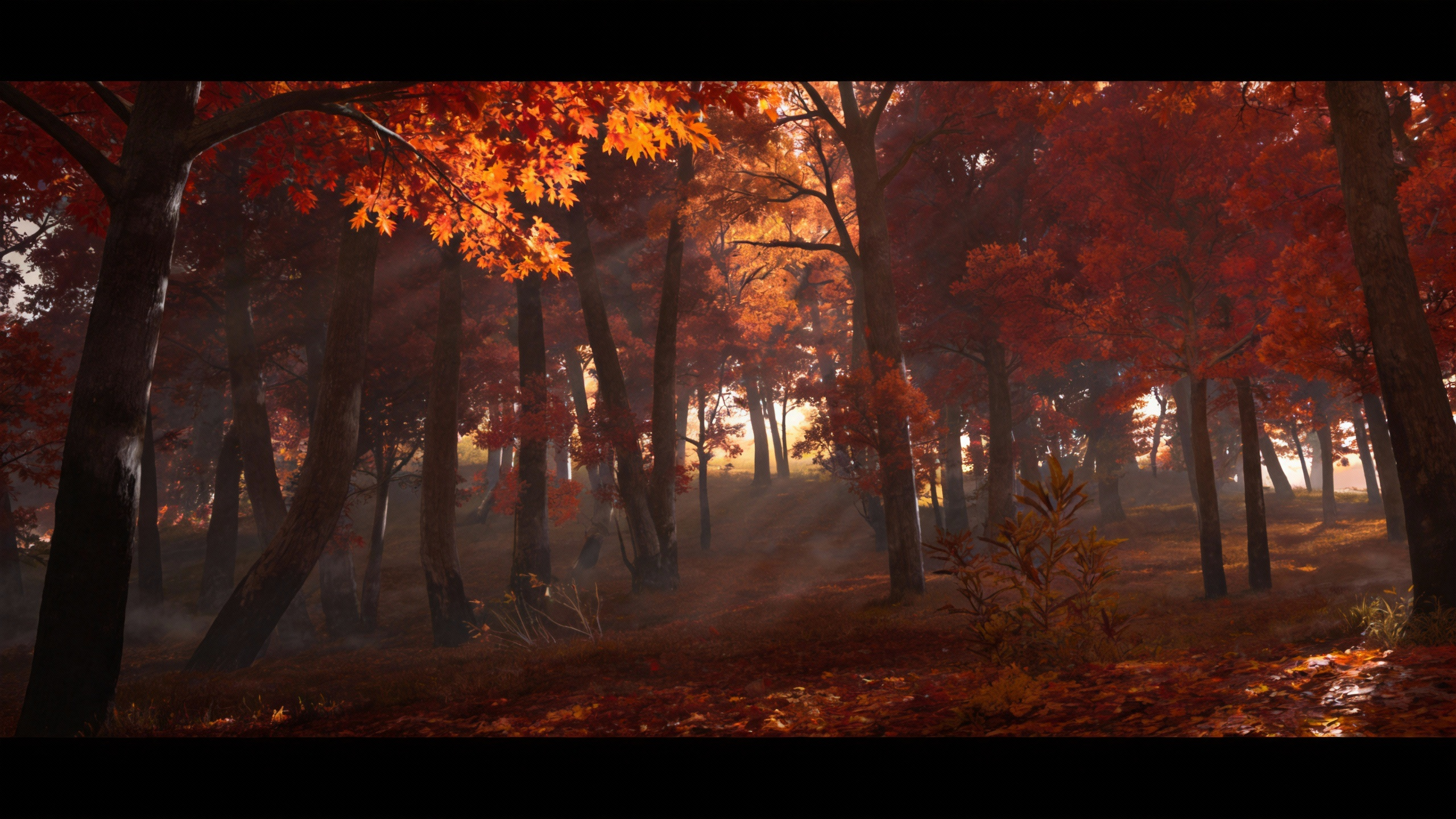
Use @Image1 and @Image2 as references for the spear-wielding character, and @Image3 and @Image4 as references for the dual-blade character. Imitate the action from @Video1 and stage their fight in the maple forest from @Image5. |
|
|
|
|
| |||||||
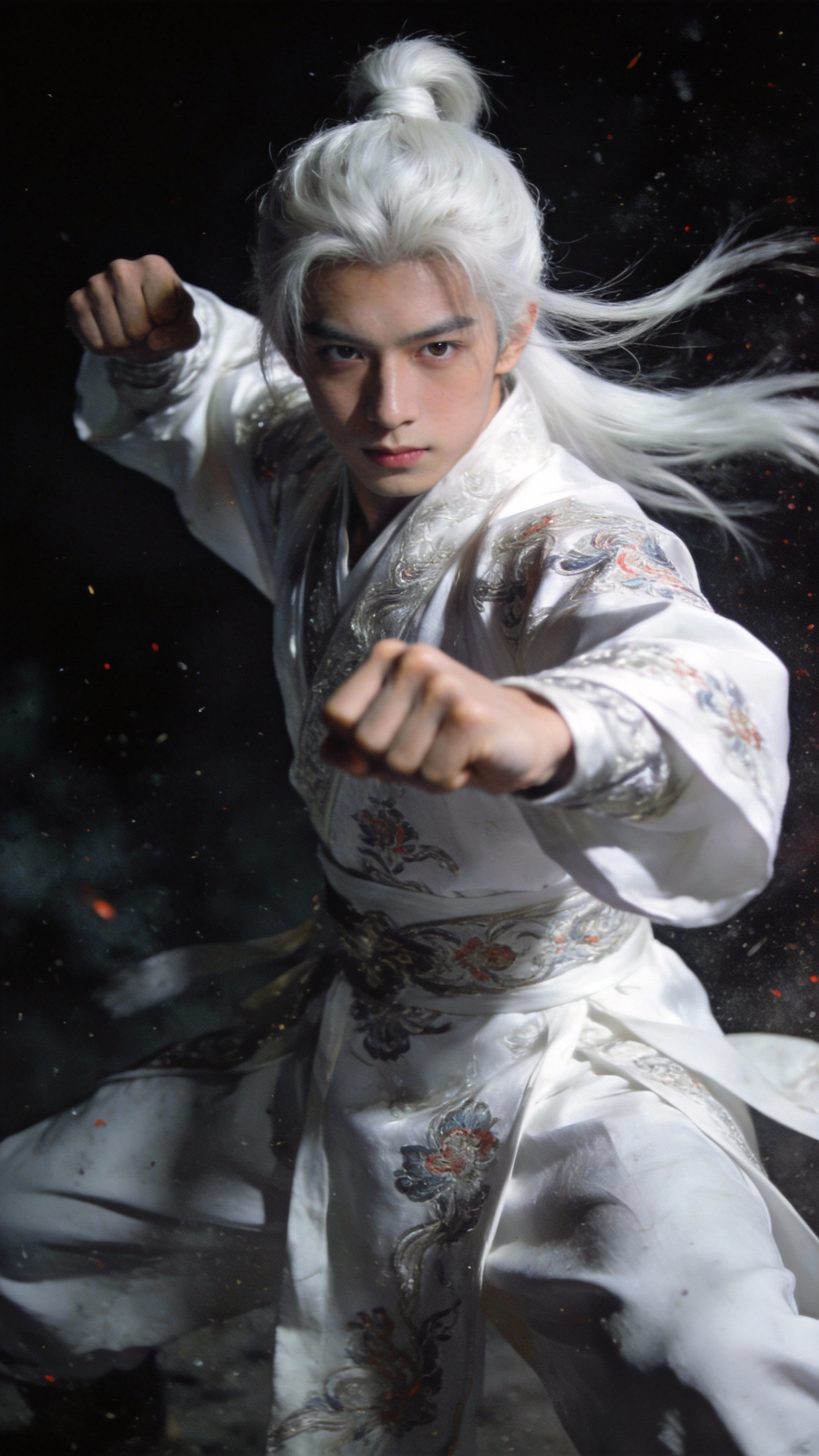
Reference @Video1 for character actions and @Video2 for orbiting camera language. Generate a fight scene between Character 1 and Character 2 under a starry night. During the fight, white dust kicks up. Make it flashy and cinematic with a very tense atmosphere. |
|
| ⚠️ Note: uploading assets containing realistic human faces is currently not supported. This case is for demonstration; actual generation may be limited. | |||||||||
Reference the camera work and cutting rhythm from @Video1, and recreate it using the red supercar in @Image1. |
|