Consistency
Across-the-board consistency improvements
You may have run into these frustrations: the same character looks different from one shot to the next, product details disappear, small text turns blurry, scenes jump, or the camera style won’t stay consistent… These common consistency issues can now be addressed in 2.0. From faces to outfits to typography details, overall consistency is more stable and more accurate.
Cases:
prompt | img1 | img2 | img3 | img4 | vid1 | Result | Notes |
|---|---|---|---|---|---|---|---|
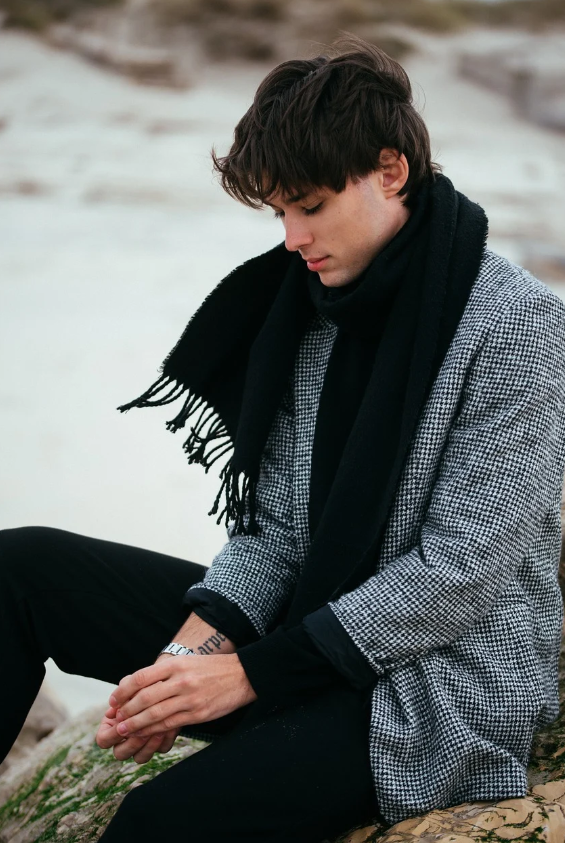
After work, the man in @Image1 walks down the corridor exhausted. His pace slows and he eventually stops at his front door. Close-up on his face: he takes a deep breath, adjusts his mood, lets go of the negative emotions, and relaxes. Close-up as he finds the key, inserts it into the lock, and enters. Inside, his young daughter and a pet dog run over happily to greet and hug him. The interior feels warm and cozy. Natural dialogue throughout. |
| ⚠️ Note: uploading assets containing realistic human faces is currently not supported. This case is for demonstration; actual generation may be limited. | |||||
Replace the girl in @Video1 with a traditional Chinese opera huadan. Set the scene on an exquisite stage. Reference @Video1 for camera movement and transition effects, and match the shots to the character’s actions for peak stage aesthetics and stronger visual impact. | ⚠️ Note: uploading assets containing realistic human faces is currently not supported. This case is for demonstration; actual generation may be limited. | ||||||
Reference all transitions and camera moves from @Video1. Make it a single unbroken take. Start from a chessboard; pan left to reveal yellow sand-like grit on the floor; tilt up to a beach where footprints remain; a girl in plain white clothes walks away into the distance. Switch to an overhead aerial view as waves wash across the shore (no people). Use a seamless gradient transition: the washing waves turn into fluttering curtains. Pull back to a close-up of the girl’s face—still in one take. | |||||||
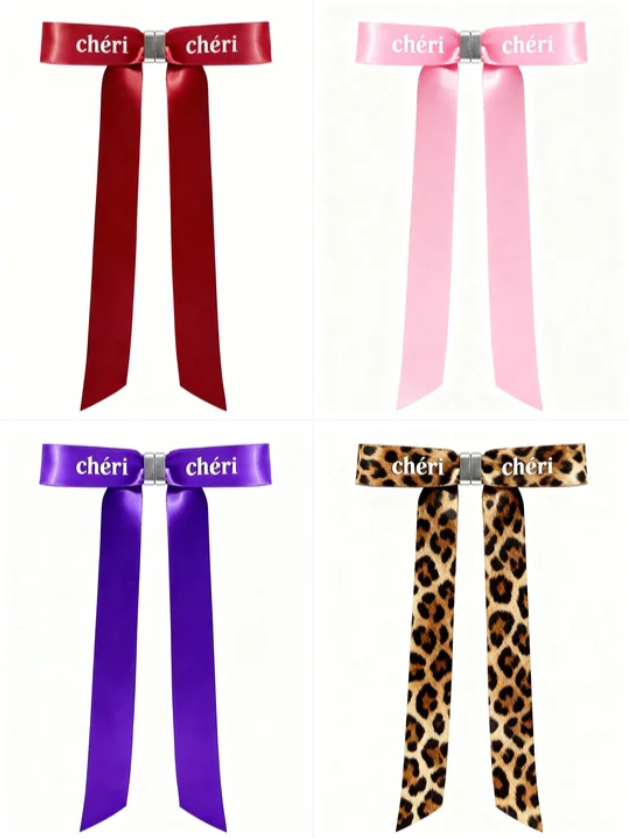
0–2s: rapid 4-panel flash cuts—red, pink, purple, and leopard-print bows freeze one by one; macro close-ups of satin sheen and the “chéri” brand mark. VO: “With Chéri magnetic bows, create endless beauty!” 3–6s: close-up of a silver magnetic clasp clicking shut, then gently pulled apart, showing silky texture and convenience. VO: “Lock it in one second and complete your look!” 7–12s: fast montage of wearing scenarios—burgundy clipped on a coat lapel for a commuter vibe; pink tied on a ponytail for a sweet street look; purple on a bag strap for niche elegance; leopard-print on a suit lapel for bold, confident energy. VO: “From coats to bags to hair accessories—complete a versatile, personality-driven style!” 13–15s: the four bows displayed side by side; brand line: “chéri, bringing you instant beauty!” |
| ||||||
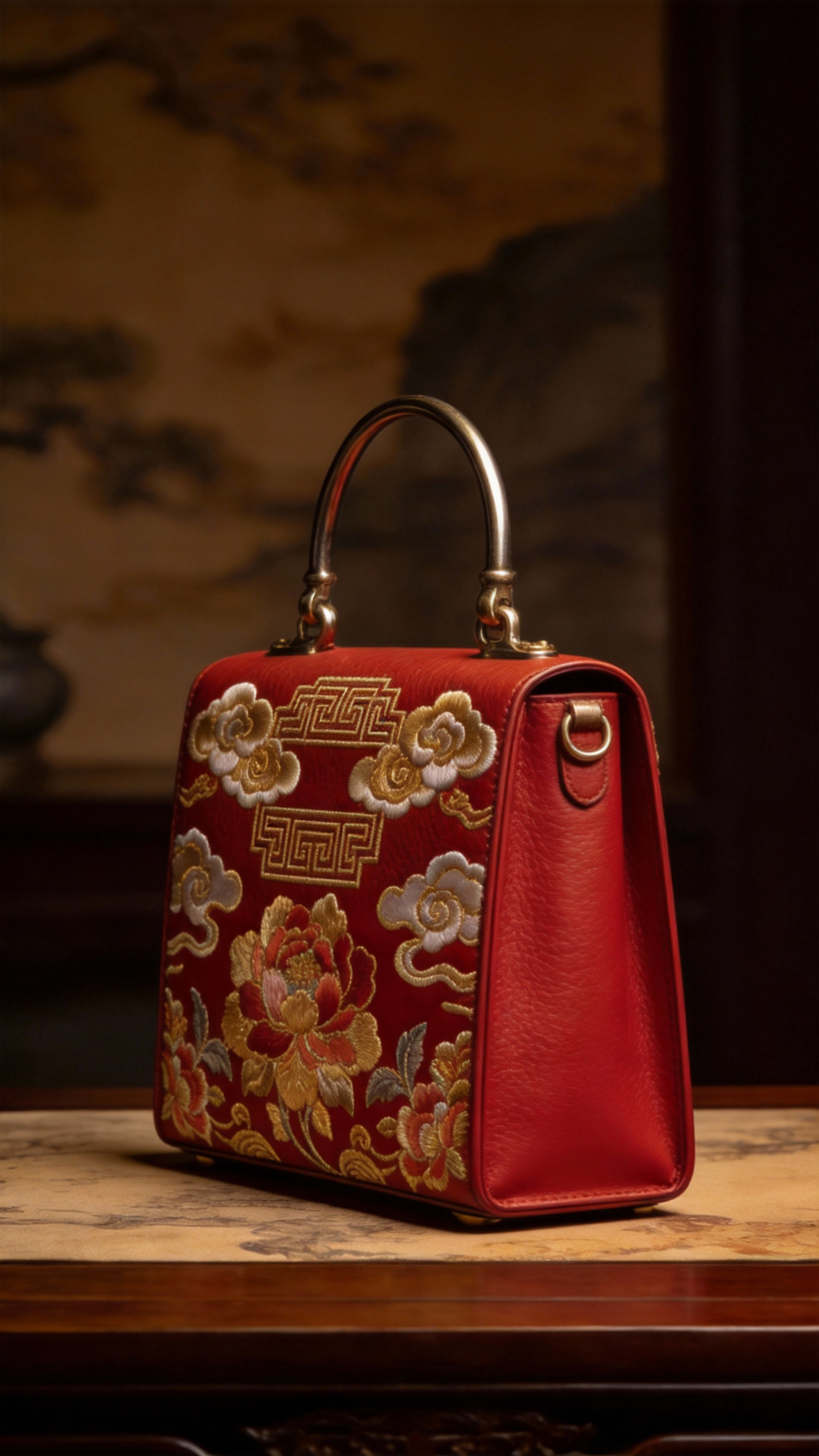
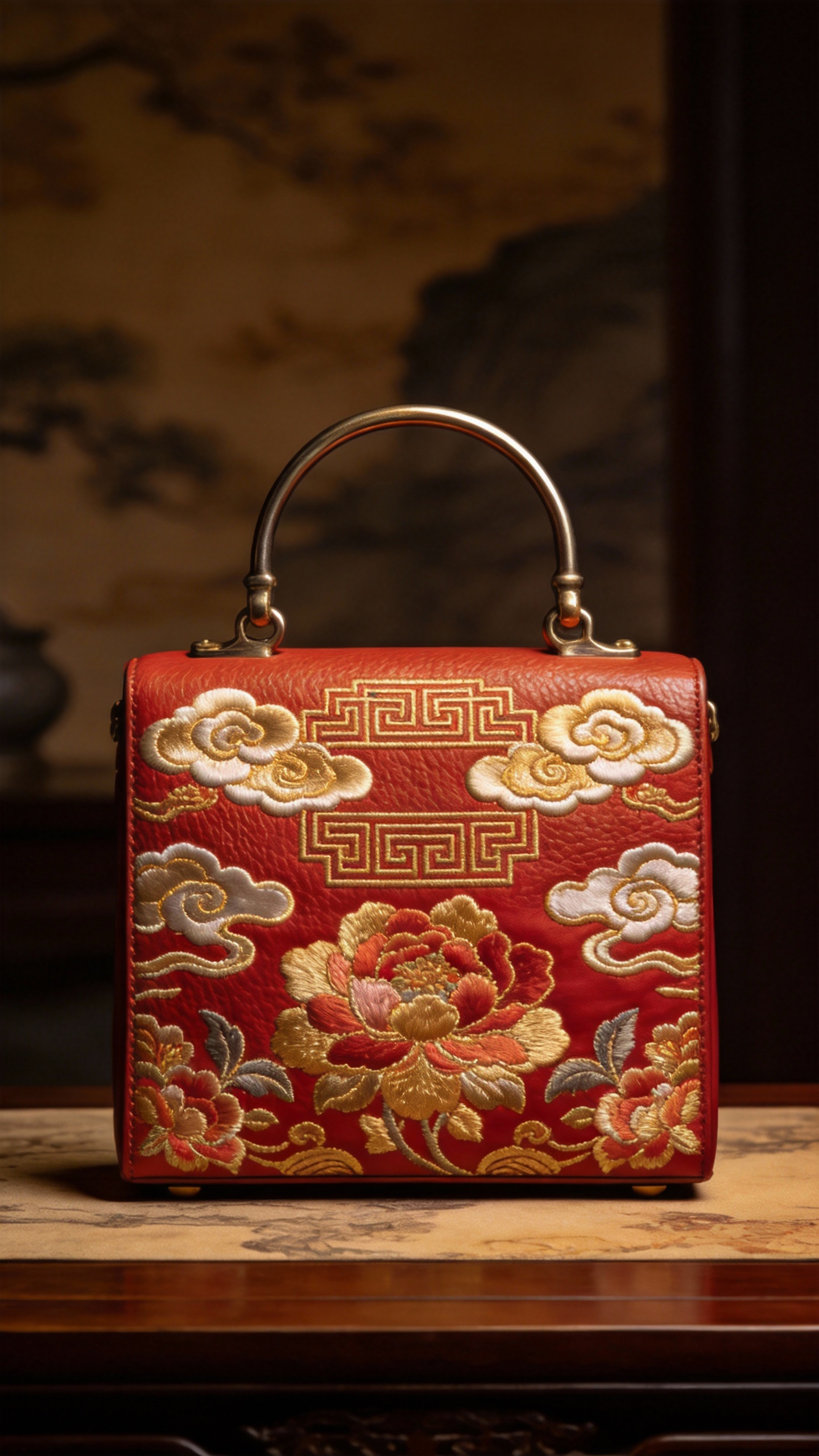
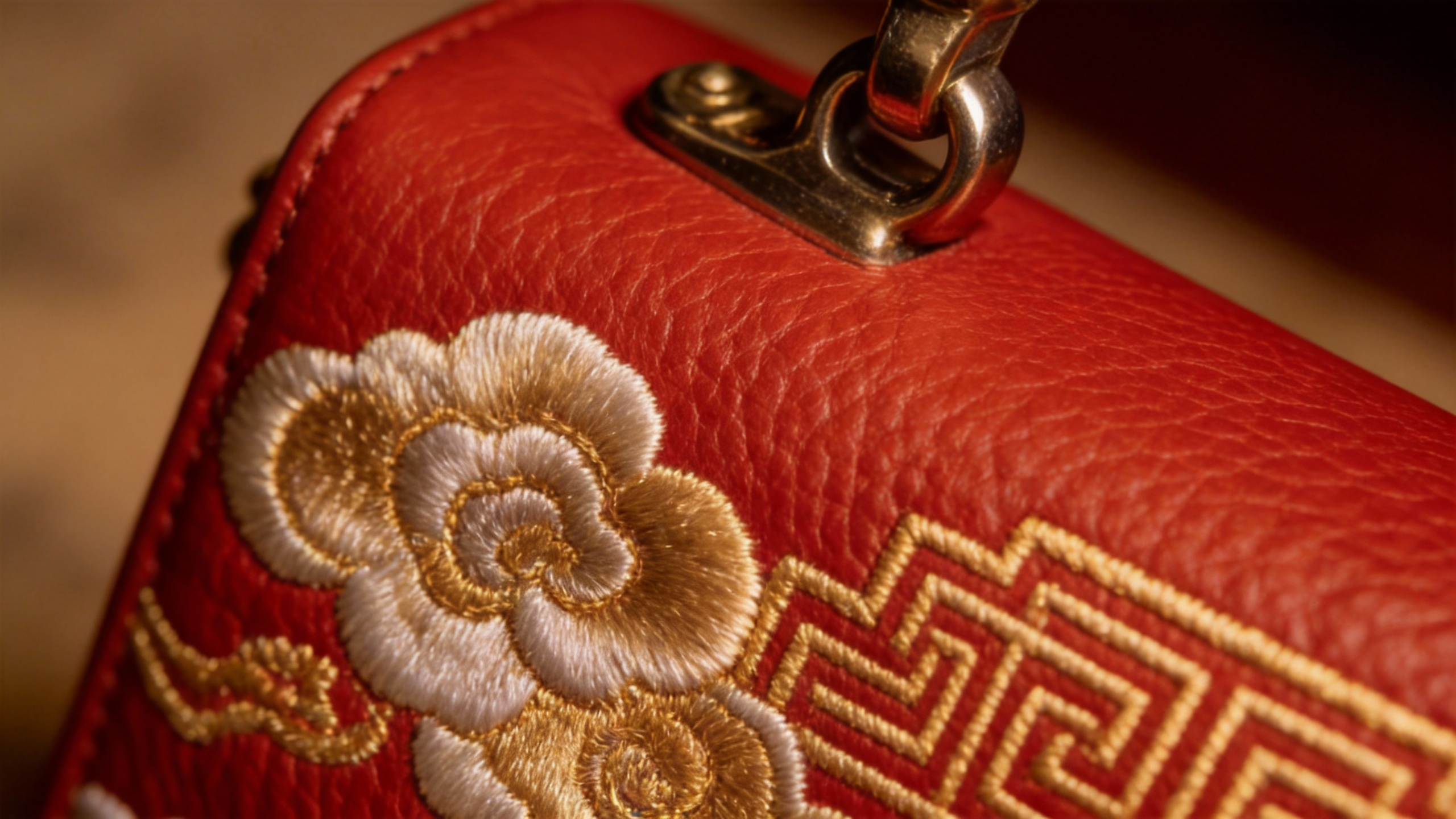
Create a commercial-style camera showcase for the bag in @Image2. Use @Image1 as the reference for the side view, and @Image3 as the reference for the surface material. Make sure every detail of the bag is shown. Use a grand, cinematic background sound. |
|
|
| ||||
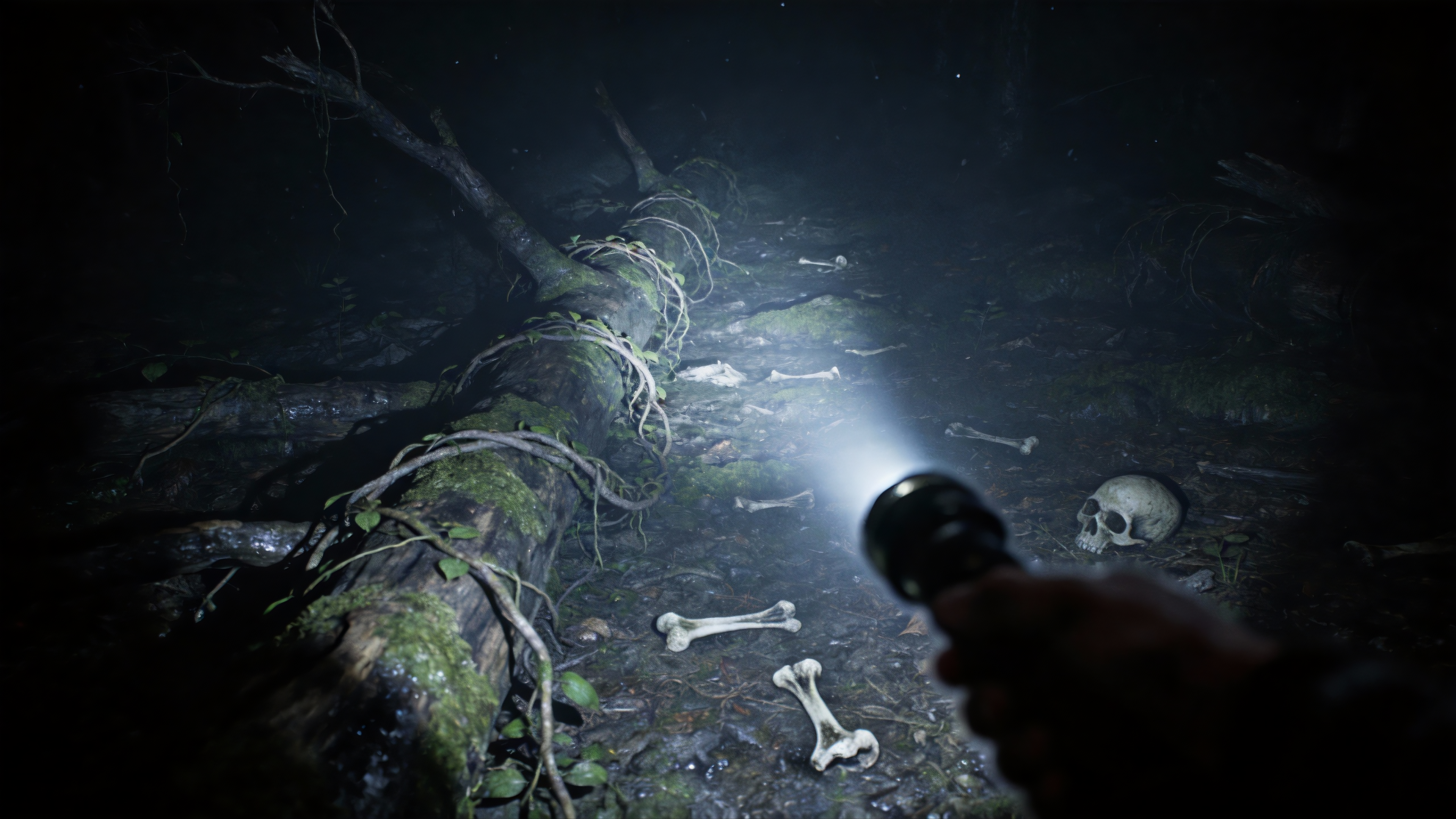
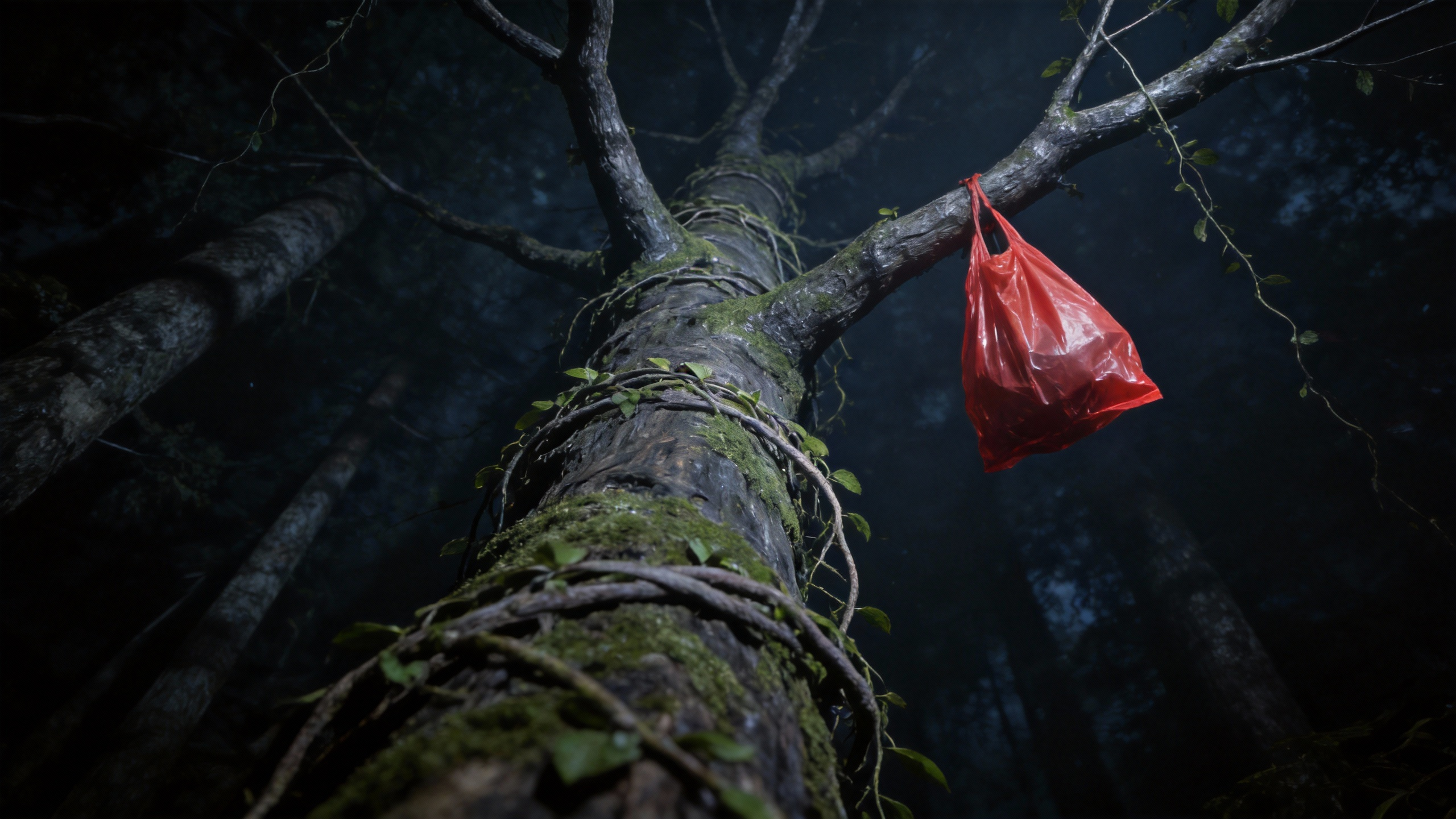
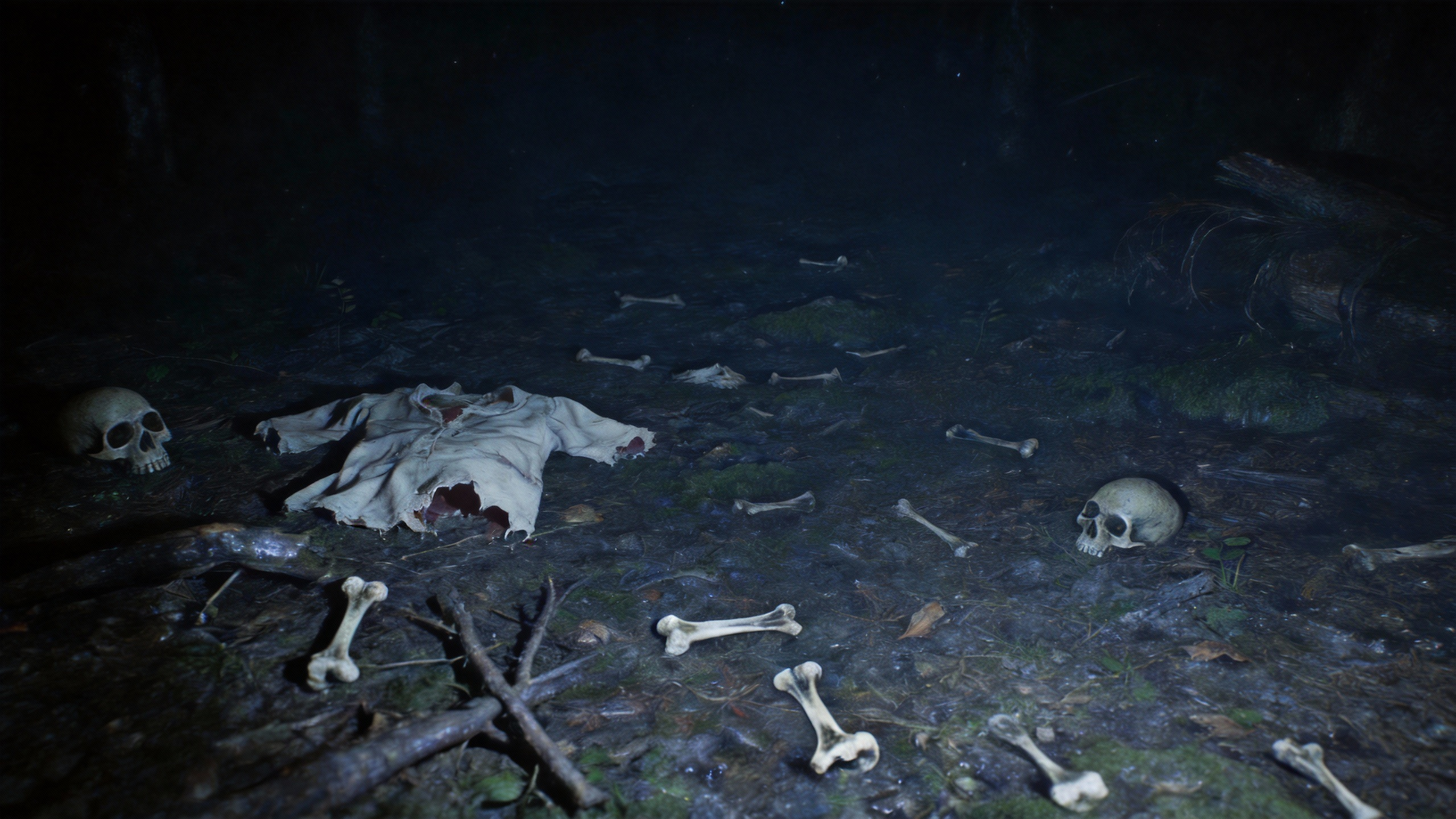
Use @Image1 as the first frame. First-person view. Reference the camera movement in @Video1. For the top area, reference @Image2; for the left side, reference @Image3; for the right side, reference @Image4. |
|
|
|
|